 FitHome
Today's mix, Quick start and programs
Three ways FitHome decides what to train: a new generated mix every day, a session built for the minutes you have, and 4-week programs on your days.
Two things often get in the way of a workout: doing the same session until it's boring, and spending ten minutes deciding what to do. FitHome has three tools that take the choice off your hands in different ways. Today's mix gives you something new each day, Quick start fits the time you have right now, and Programs plan the next four weeks.
Today's mix: a new session every day
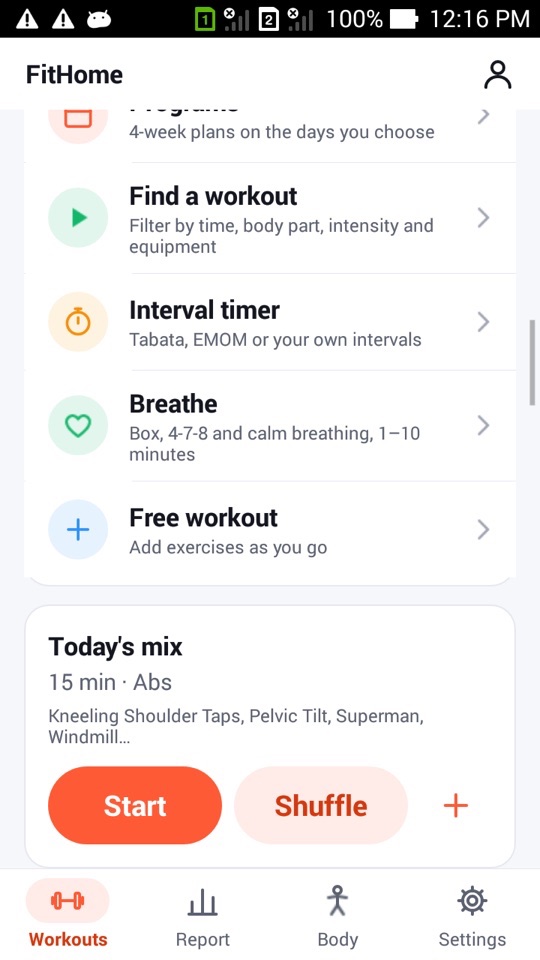
The Today's mix card on the Workouts tab shows a session built for today, for example "15 min · Abs", with the first few exercises listed. It's generated on your phone from:
- the session length and your fitness level,
- your limitations, so excluded exercises never appear,
- the recovery map, so it leans toward muscle groups that are fresh,
- what you've done recently. Exercises from the last seven days are less likely to appear, and consecutive days share as few exercises as the library allows.
The same day always gives the same mix, so it won't change if you leave and come back. If you don't like it, tap Shuffle for a different one, up to three times a day. Tap + to save the mix as one of your own workouts, so you can repeat a good one later.
Quick start: the minutes you have, the gear you have
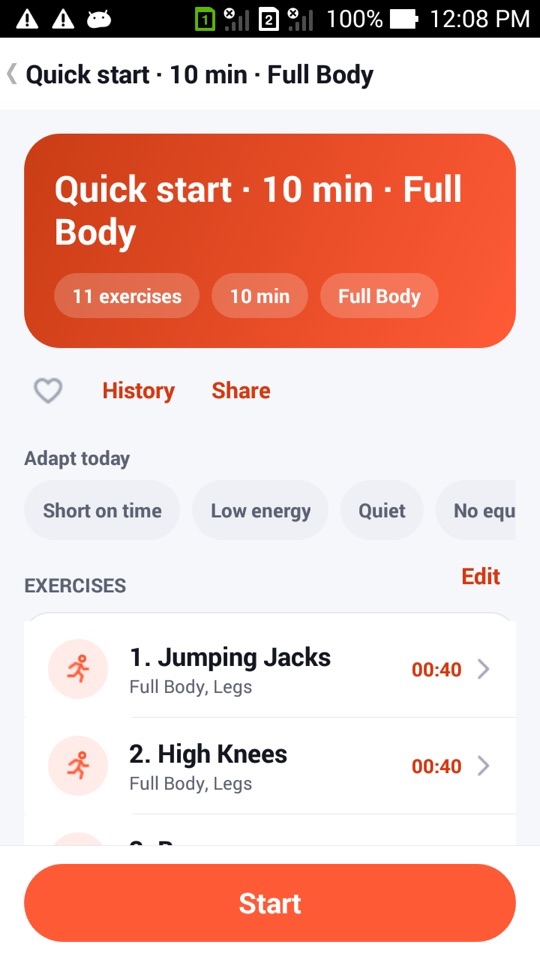
Find a workout opens with a Quick start panel. Pick 5, 10, 15 or 20 minutes, a focus (Full Body, Abs, Chest, Arms or Legs) and the equipment you have: none, a chair, a mat or dumbbells. Tap Build and start and FitHome puts together a session of that length.
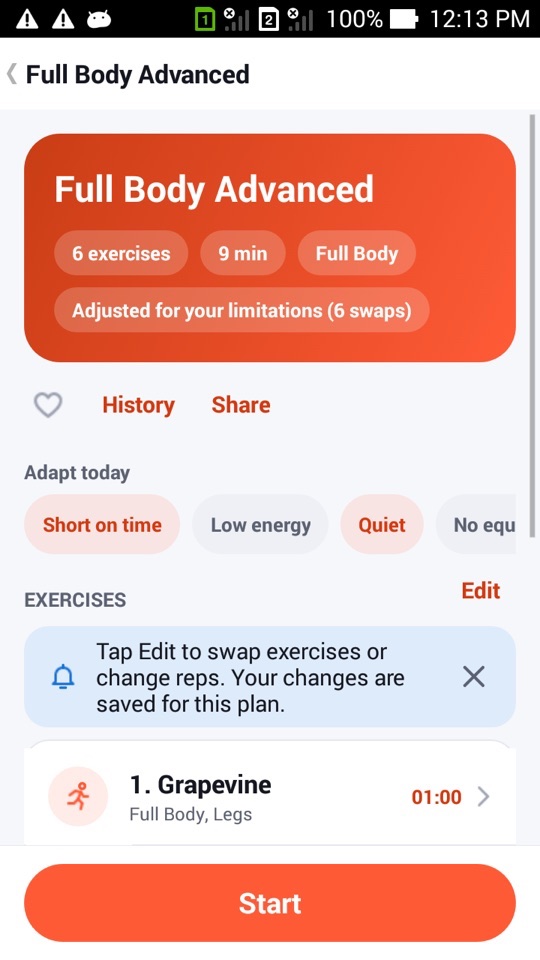
Quick start sessions open like any plan, so the Adapt today chips, the heart for Favorites and Edit are all there before you press Start. If Android closes the app during a Quick start session, it can still be restored.
Below Quick start, the filters narrow the built-in plans by duration (5, 10, 15 or 20+ minutes), body part, intensity and equipment.
Programs: four weeks, on your days
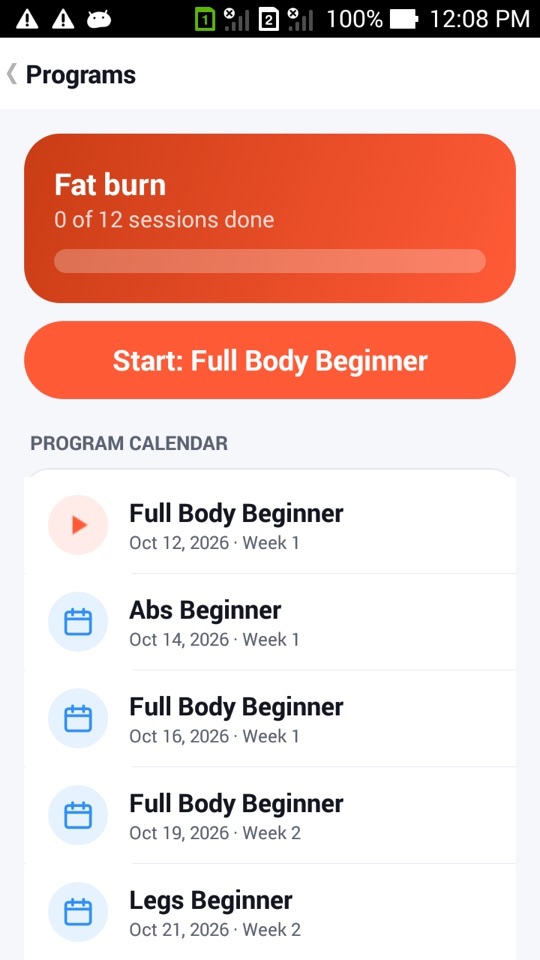
If you'd rather follow a plan than decide each day, choose a program: Fat burn, Strength, Core or Mobility. Each runs for four weeks with three sessions a week, on the weekdays you choose. The Programs screen shows your progress ("3 of 12 sessions done"), a big Start button for the next session and a dated program calendar.
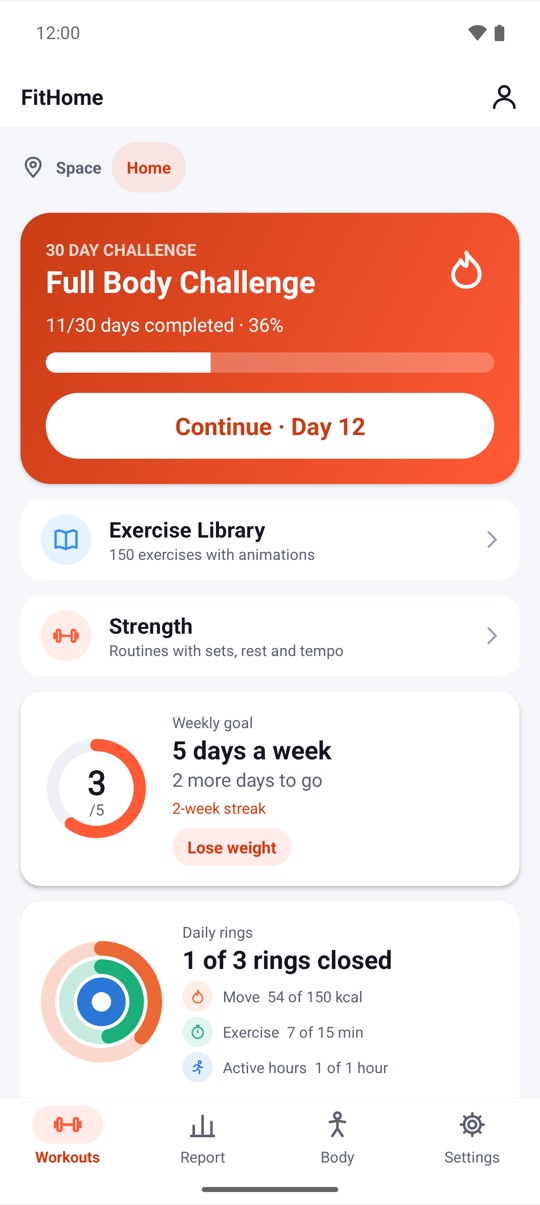
The next program session also appears on Home with Start and Program calendar buttons. If you miss a day, the session moves to your next training day. A program never fails because of one bad week. The days between sessions are rest days, and on those days Home suggests a short breathing session or mobility instead. There's more in Breathing and rest days.
And when you want to time it yourself
Two more tools sit in the same list on the Workouts tab:
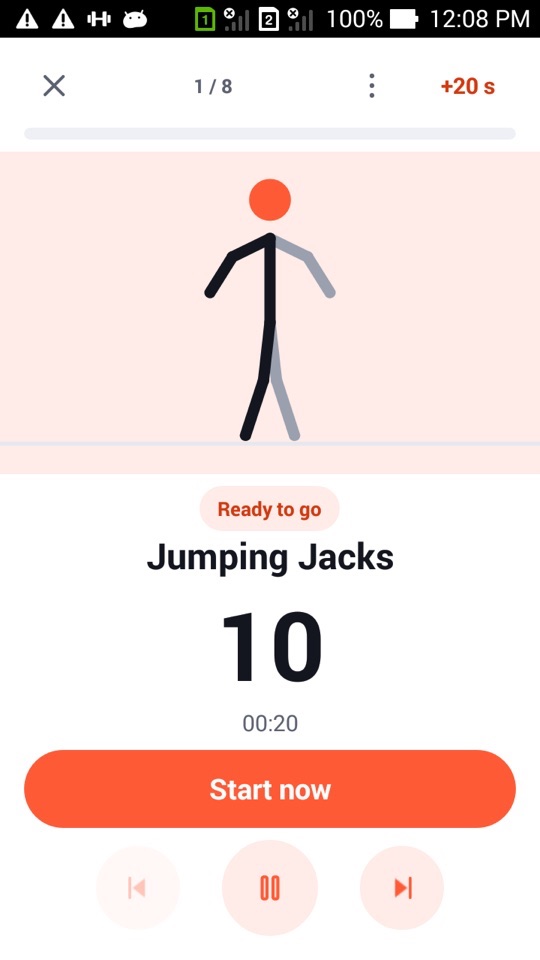
- Interval timer: Tabata (20 seconds of work, 10 of rest, 8 rounds), EMOM (every minute on the minute) or your own work, rest and rounds with the exercises you choose. Saved timers run in the normal player with voice cues and beeps.
- Free workout: a stopwatch with no plan. Add exercises as you go, and save the session as one of your workouts at the end if you liked it.
On Android TV, Today's mix is the first card in the Recommended for you row.
FitHome is not a medical device. Generated sessions don't know about your health beyond the limitations you set. Check with a doctor or physiotherapist before starting a new exercise routine, especially with an injury.
How to start a program
- On the Workouts tab, tap Programs ("4-week plans on the days you choose").
- Choose Fat burn, Strength, Core or Mobility.
- Pick the weekdays you want to train.
- Check the program calendar. Each session shows its date and week.
- Tap Start on the Programs screen, or on the program card on Home, when a session is due.
- If you miss a day, do nothing. The session moves to your next training day automatically.
FAQ
Will Today's mix ever repeat the same session?
The same day always gives the same mix. On consecutive days, FitHome avoids repeating exercises as much as the library and your limitations allow.
How many times can I shuffle Today's mix?
Up to three times a day. If you find one you like, tap + to save it as your own workout.
Can I run a program and still do other workouts?
Yes. Other workouts are saved to your history and count toward your weekly goal as usual. The program simply keeps its own schedule.
Does Quick start need equipment?
No. Equipment defaults to none. Add a chair, mat or dumbbells only if you have them, and FitHome includes exercises that use them.