 FitHome
FitHome in 40 seconds: a feature tour on video
Two short films walk through FitHome: the workout player and its voice coach, strength training by the set, streaks and progress charts, and Focus mode. Here's what each scene shows.
The fastest way to understand a workout app is to watch it run. So we made two short films about FitHome: a 40-second tour for a laptop or TV, and a 25-second cut for your phone.
Every screen in them is a real FitHome screenshot from the build on Google Play, with sample data.
Scene 1: a home gym with nothing to set up
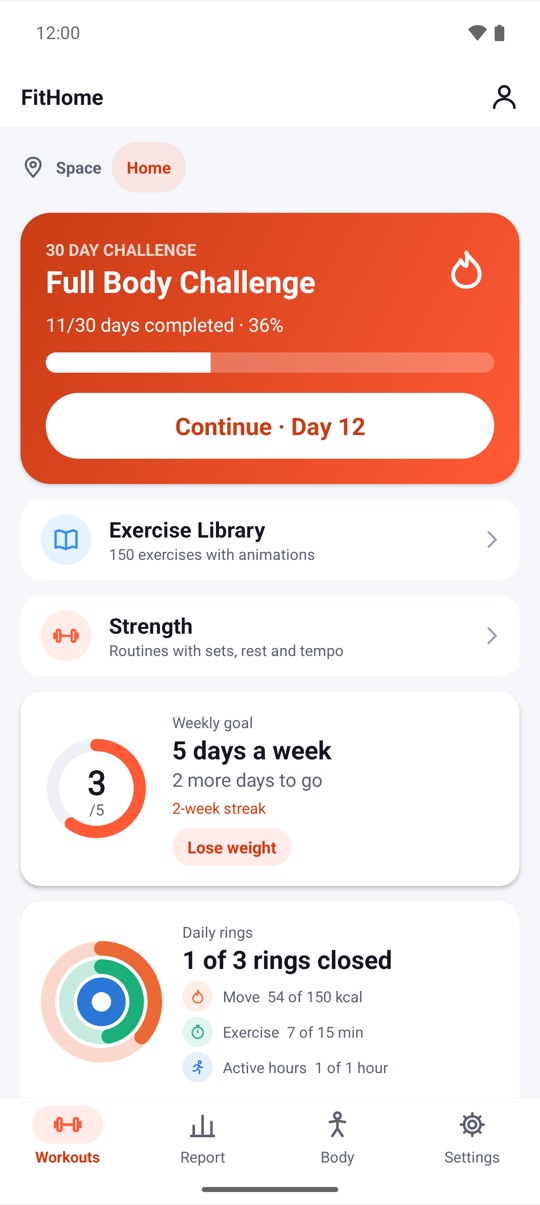
The film opens on the Workouts screen: the 30-day Full Body Challenge at day 12, your weekly goal and today's rings. Two labels pop up next to the phone:
- No equipment needed. The 15 plans and the 30-day challenge use your body weight, with chair and wall options. Barbell work is optional (see scene 3).
- No account, no ads. You pay once and everything is unlocked. Your workouts stay on your phone.
There's more on that in why FitHome works offline, with no account.
Scene 2: follow along, never guess
The camera punches in on the workout player mid-exercise: "Go!", Jumping Jacks, 00:18. Every exercise has an animated guide that shows how to move. A voice coach counts the reps, times your rests and tells you what's next, with beeps and haptics if you'd rather not hear a voice.
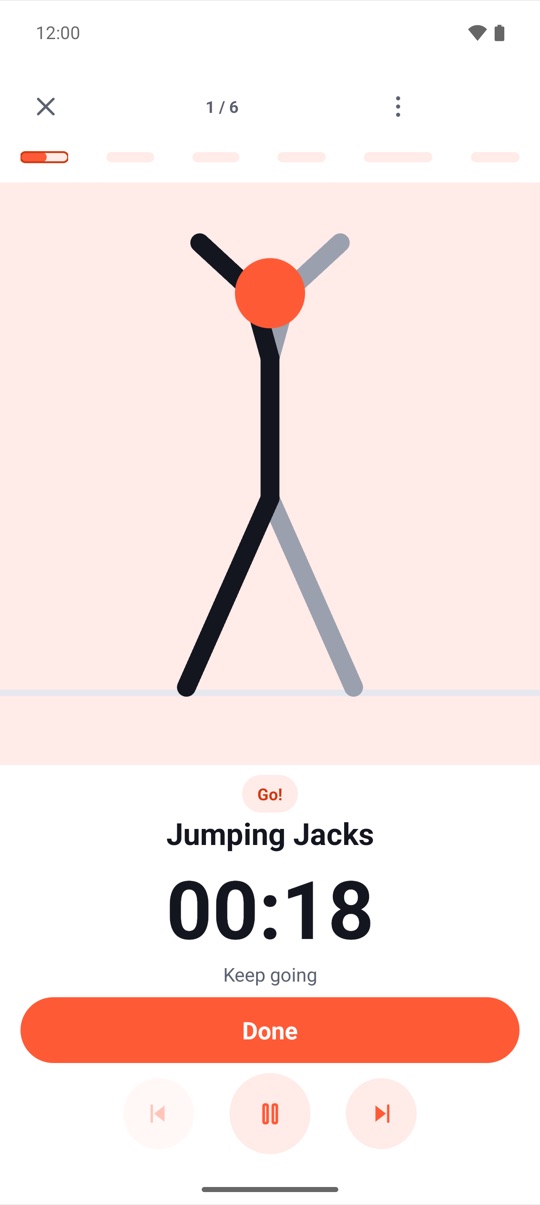
The player keeps going in the notification and on the lock screen, so you can put the phone down and train.
Scene 3: train by the set
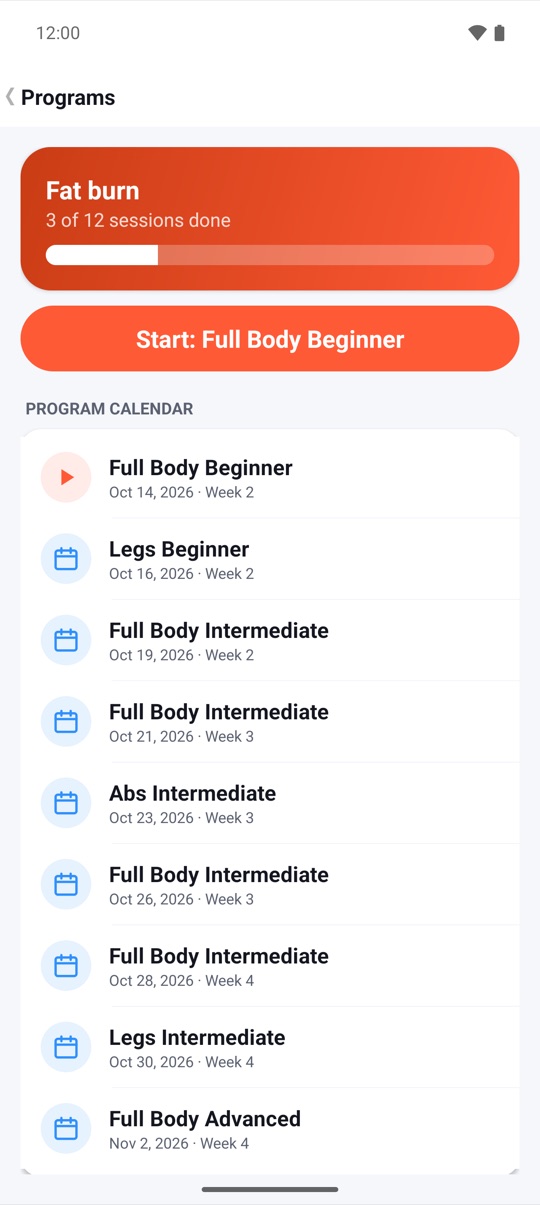
Next, the camera glides past three phones: Programs, a 5×5 strength routine and Body. The strength screen is the star, for days when you do have weights. Each set row shows what you lifted last time. You adjust the weight and reps with + and −, and rate the effort as RPE. A rest timer sits on top with −15 s, +15 s and Skip.
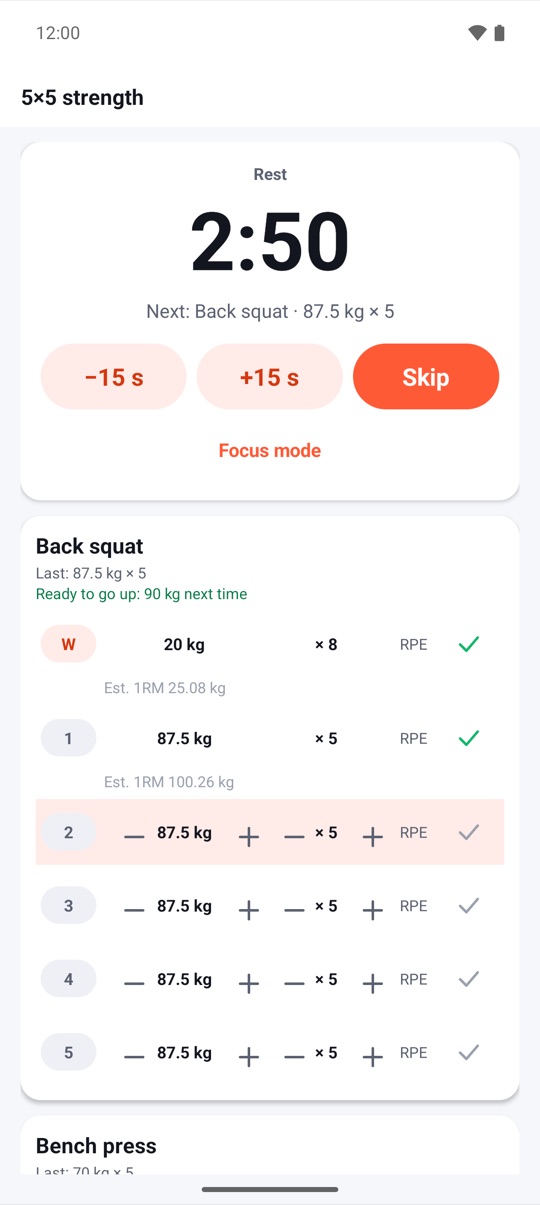
When every working set hits its target at RPE 8 or lower, FitHome tells you, for example "Ready to go up: 90 kg next time". Strength training with a per-set focus timer covers all of it.
Scene 4: a streak you can see
The number rolls up to 13 days, your current streak, and the Report screen behind it highlights the same card. Above it are your totals for workouts, minutes and calories. Below are your trends and 14 badges to unlock.
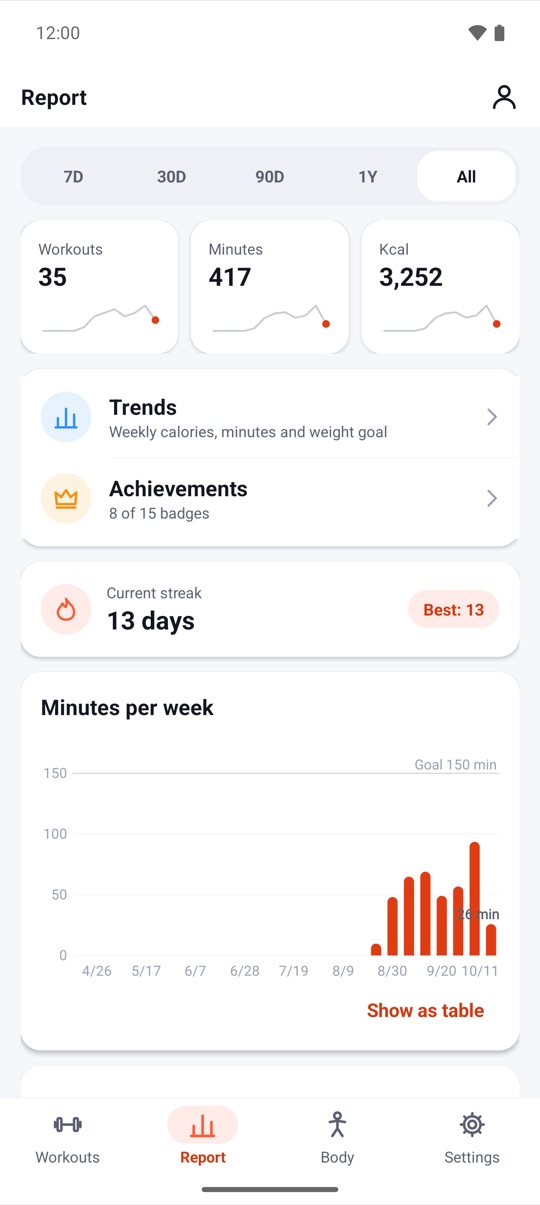
Streaks in FitHome are weekly-goal friendly, with shields for the odd missed day. Weekly streaks, shields and Pause my plan explains how.
Scene 5: every week, charted
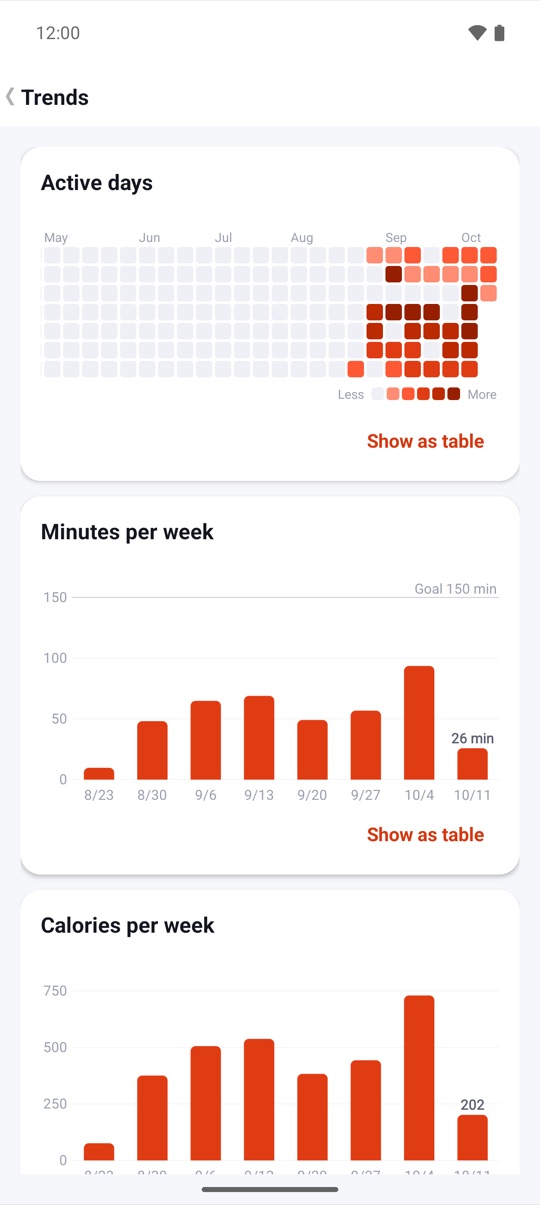
Four cards stack up: your totals, an active-days heatmap, minutes per week against your goal, and a BMI calculator. The weight card on the Body screen shows your trend with a 7-day average and how far you are from your goal weight.
Scene 6: one set, one big timer
A tap on Focus mode, and a dark line sweeps across the frame. Behind it, the rest screen becomes a single big timer on a dark background. It keeps the screen on and works in landscape, so you can lean the phone against a wall and read it from the bench.
The phone cut
The vertical film skips the title cards and the strength glide, and opens with the name. It's made for Shorts and TikTok:
Both films, a Vietnamese version and every store screenshot are on the product page.
FAQ
Is the data in the video real?
No. It's the sample data our store screenshots use: a made-up autumn of workouts and a 13-day streak. Your own FitHome starts empty.
Do I need equipment or an account for what's shown?
You don't need an account for anything, and it all works offline on Android 4.3 and newer. The plans and challenge need no equipment. The strength routines in scene 3 assume you have weights.
Can I share these videos?
Yes. Both films are on the product page with a download link.