 FitHome
Weekly streaks, shields and Pause my plan
FitHome counts streaks in weeks, not days, earns shields that protect a missed week, and lets you pause your plan when you're sick or travelling.
Streaks motivate people, until they start causing stress. Miss one day with a daily streak and a month of work goes back to zero. That's often the moment people stop training altogether. FitHome now counts streaks differently: by the week, with a small safety net, and with a proper pause for when you're ill, travelling or need a break.
Streaks that count weeks, not days
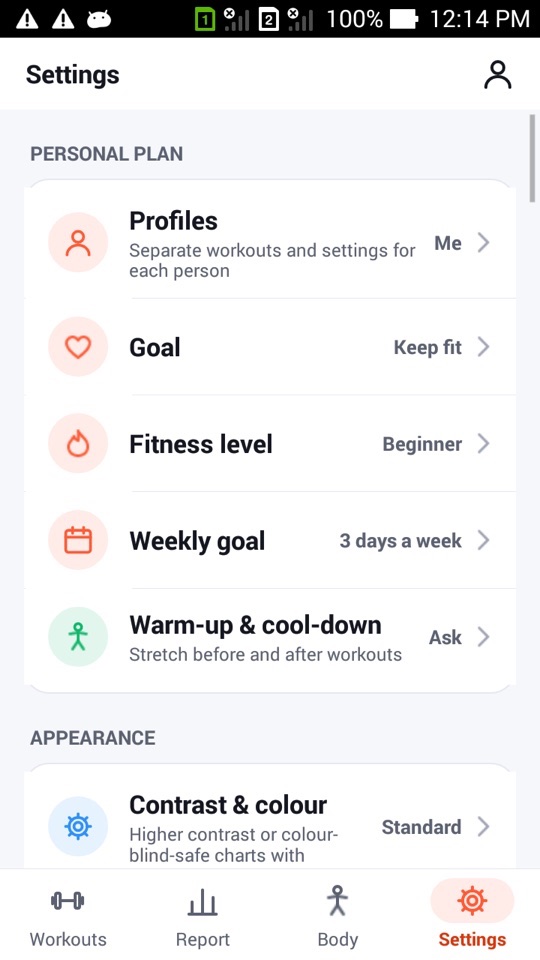
When you set up FitHome, you choose how many days a week you want to train (you can change it later under Settings → Weekly goal). A week counts toward your streak when you reach that number of training days. If your goal is three days, Monday, Wednesday and Saturday count just as much as three days in a row.
The weekly goal card on Home shows a ring for this week (for example 1 of 5), how many days you have left and your weekly streak, such as "6-week streak · 1 shield". The current week can only add to your streak. It can't break it while there are still days left.
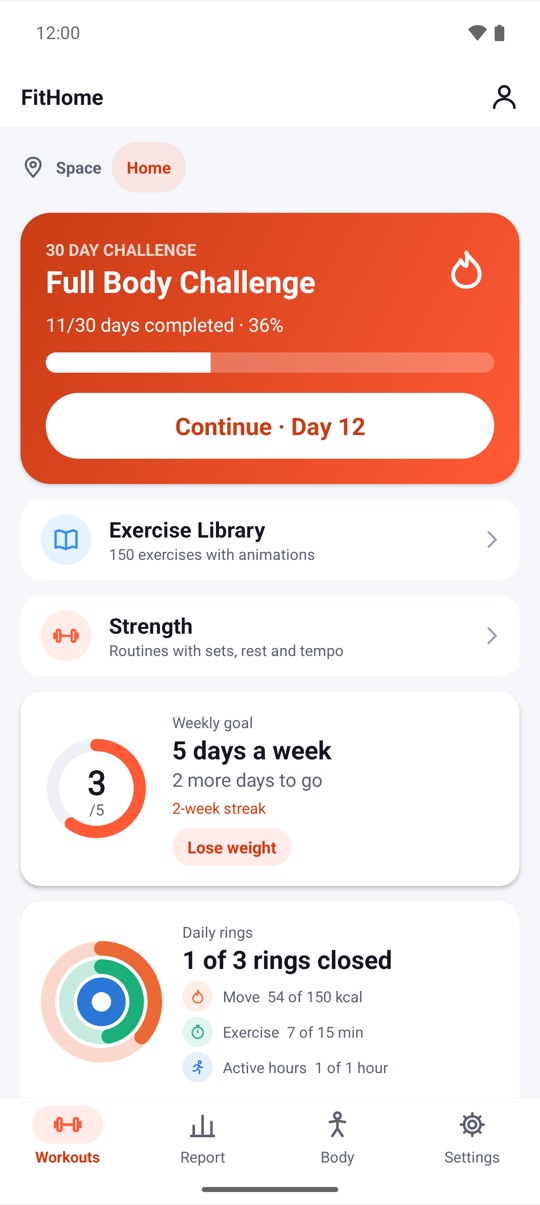
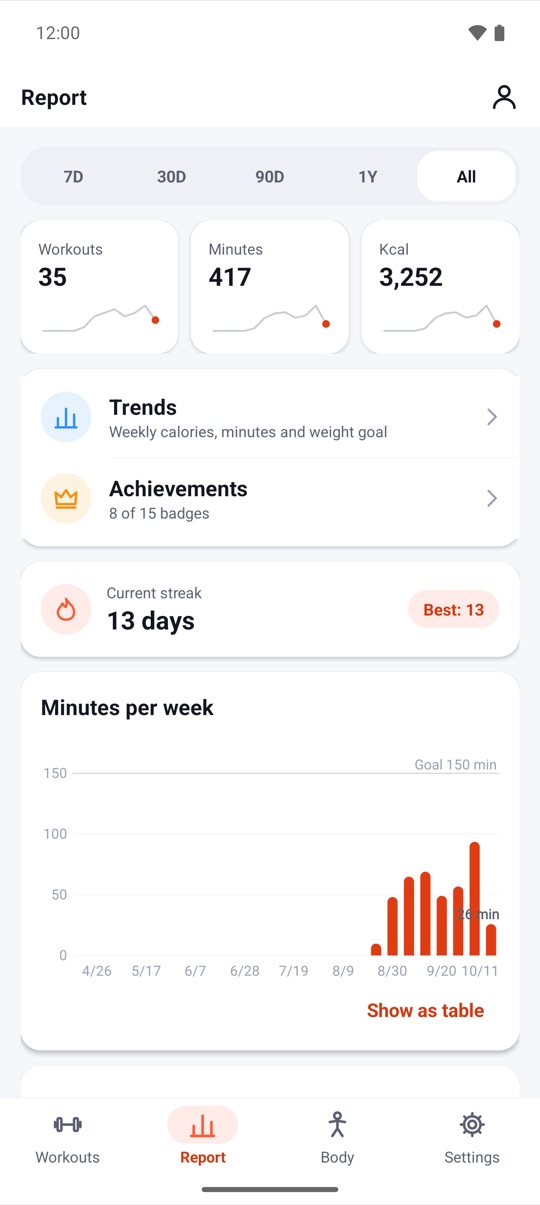
Your daily streak still exists as a secondary number on the Report tab, next to your best, if you like that kind of record.
Shields for the week that didn't work out
Every four weeks in which you reach your goal earns you one shield, and you can hold up to two. If a week ends without reaching your goal and you have a shield, FitHome uses it automatically. Your streak stays intact and you get a notification: "Shield used, streak safe". Without a shield, the streak starts again from zero.
Shields are earned by training, not bought. FitHome is a one-time purchase, so there's nothing to buy inside the app.
Pause my plan
Shields cover a bad week. They aren't meant for a fortnight in bed with flu or a two-week trip. That's what Pause my plan is for. In Settings, choose how long (1 to 4 weeks) and a reason: Taking a break, Sick or Travelling.
While your plan is paused:
- Paused days never count as misses. A week that's partly paused needs fewer training days, and a fully paused week doesn't count at all.
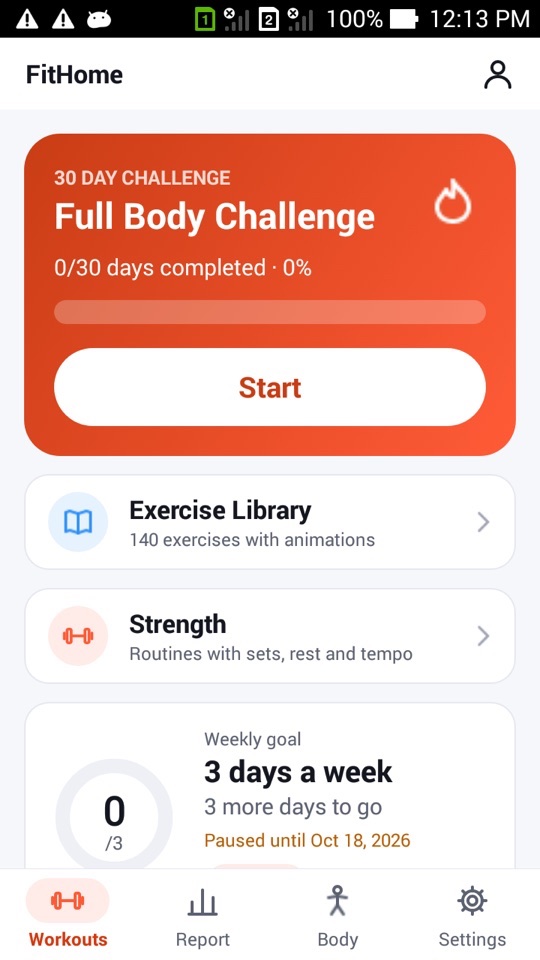
- Your weekly goal card shows "Paused until" with the date, instead of the streak.
- Daily reminders, the weekly summary and the 4-week fitness test reminder stay quiet.
- Your program calendar moves on: the next session is scheduled after the pause ends.
Coming back gently
The pause ends on its own on the date you chose, or earlier if you tap Resume now. Your first session back starts easy: Home says "Welcome back! Today's session starts easy", and that session automatically uses the Low energy setting (fewer reps and longer rests). That run doesn't affect the difficulty of your plans either. The workout buddy, if it's on, notices you're back too.
Why we changed it
We wanted streaks to reward a regular habit, not perfect attendance. Three sessions a week for months is a much better outcome than a daily streak that breaks in week three and is never restarted. Weekly counting, a small number of shields and an honest pause button all serve that goal. None of them work by making you feel guilty.
FitHome is not a medical device. When you're ill or injured, rest is the right choice, and Pause my plan is there so you can take it without losing your progress. Check with a doctor before returning to exercise after an illness or injury.
How to pause your plan
- Open the Settings tab and tap Pause my plan ("Sick, travelling or need a break? Your streak waits.").
- Choose how long: 1, 2, 3 or 4 weeks.
- Choose a reason: Taking a break, Sick or Travelling.
- Check Home. The weekly goal card now shows "Paused until" with the end date.
- To come back early, open Pause my plan again and tap Resume now.
- Start your first session back. It's set to Low energy automatically, so ease in.
FAQ
What counts as a training day?
Any day with a completed workout: a plan, a challenge or pack day, a custom or free workout, or an activity you’ve logged yourself. What matters for the streak is how many days you reach in the week.
How do I earn a shield?
Reach your weekly goal for four weeks. You then earn one shield, up to a maximum of two. They're used automatically when a week falls short.
Does pausing reset my 30-day challenge or program?
No. Your progress stays where it was. The program's next session is scheduled after the pause, and missed days in a program simply move to the next training day.
Can I still train while my plan is paused?
Yes. Every workout is still available, and anything you do is saved to your history as usual.