 FitHome
Strength training with a per-set focus timer
FitHome's Strength mode logs every set, times each one with a tempo ring, starts your rest automatically and suggests when to add weight.
Plenty of people train at home with dumbbells, a barbell in the garage or a bench in the corner. Strength is FitHome's mode for that: routines with sets, weights and rest, plus a timer that follows each set from the first rep to the end of your rest.
Routines and templates
A routine is a list of exercises, each with its own sets. A set can be weight × reps, bodyweight reps or a timed hold. Each set also has a type: warm-up, working, drop set or to failure. Each exercise has its own rest time and can carry a tempo (written like 3-0-X-1) and a note.
You can also start from one of six templates: Full body 3×/week, Upper / Lower, Push / Pull / Legs, 5×5 strength, Dumbbells at home and Bodyweight. You can duplicate, edit and reorder any routine. Group two to four exercises together and they become a superset: you move from one to the next without resting, then rest after the round.
The gym library has 30 exercises with their equipment and main muscles listed, and you can add your own.
The set row: what you did last time, right there
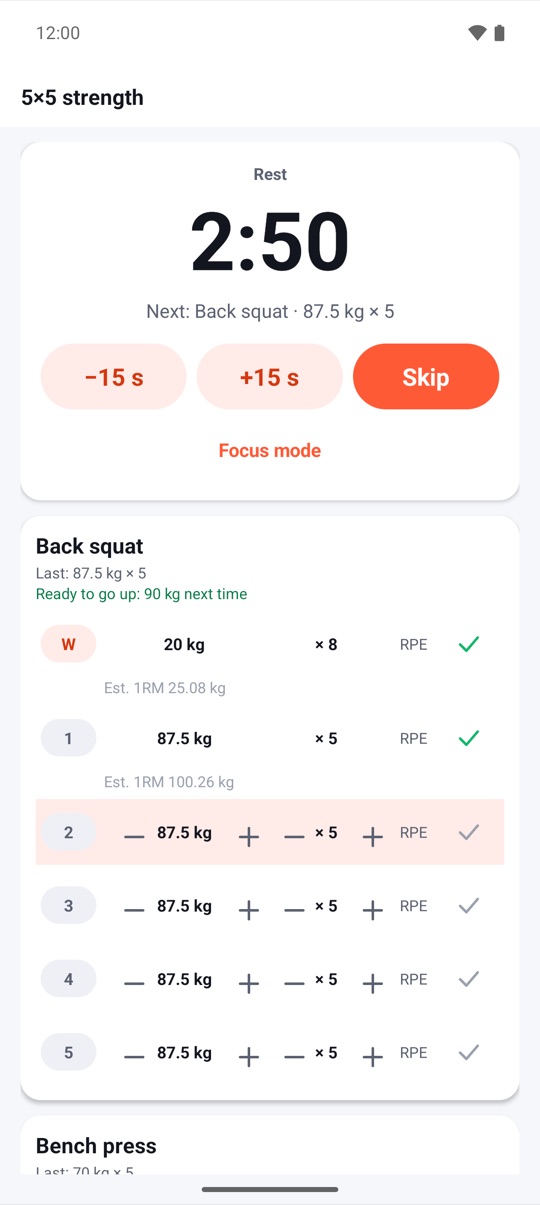
Each set row shows what you lifted last time, for example "Last: 87.5 kg × 5". Use the + and − buttons to change the weight by one plate step (2.5 kg or 5 lb, depending on the units in Settings) and to change the reps. You can also rate the effort as RPE 6–10 in half steps and set the set type. Tick a set when it's done, and FitHome fills in the next set with the same numbers.
FitHome also shows an estimated one-rep max for each completed set. Below the exercise name, a simple hint tells you when to progress. If every working set hit its target reps at RPE 8 or lower, you'll see something like "Ready to go up: 90 kg next time". If you miss your targets two sessions in a row, it suggests dropping the weight by about 10%.
The Focus Timer, one set at a time
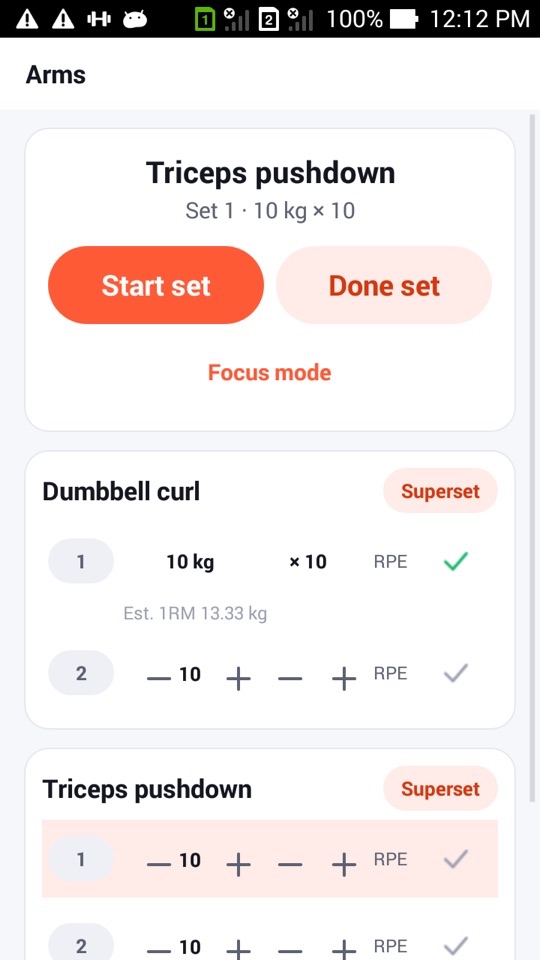
Tap Start set and the timer takes over. With no tempo, it's a stopwatch. With a tempo, it becomes a ring that moves through each phase of the rep: down, hold, up, hold. A short tone and a light vibration mark each phase change, and the rep counter goes up by itself. If you lose count, adjust it with − and +. Timed sets count down with a 3-2-1.
Tap Done set and FitHome saves the reps, how long the set took and the time under tension.
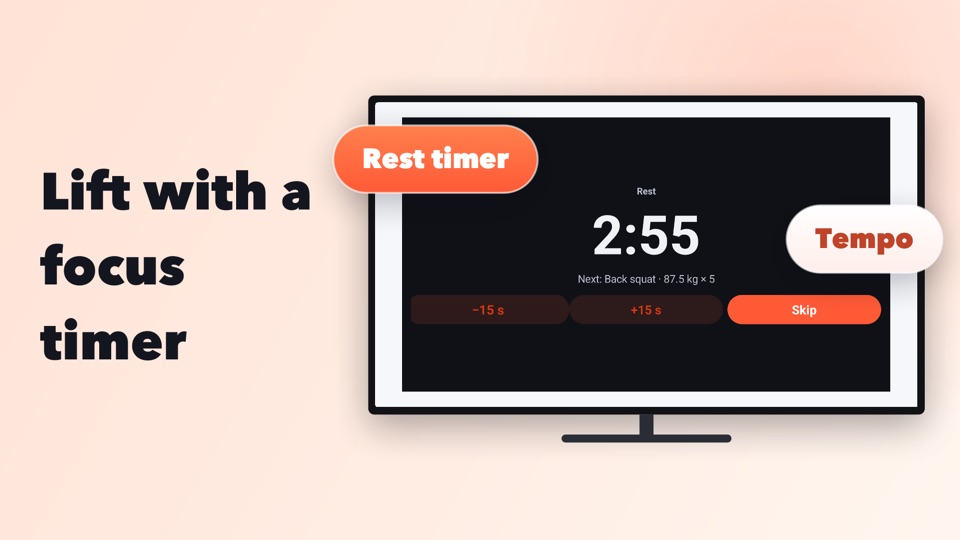
Focus mode shows the same screen with only a large timer on a dark background. It keeps the screen on and works in landscape and on tablets, so you can lean the phone against a wall and see it from the bench.
Rest that starts by itself
When you finish a set, the rest timer starts on its own, using that exercise's rest time (or the default you set in the Strength hub). Change it with −15 s and +15 s, or tap Skip. You'll get a cue at 10 seconds left and another at the end, with a tone, a vibration and the voice coach saying what's next, for example "Next: 60 kg × 8". FitHome records how long you actually rested compared with the plan.
The session keeps running in the background, with the set stopwatch or rest countdown in the notification. On Android 16 that becomes a Live Update with +15 s, Skip and Done set buttons. If Android closes the app, the timers pick up where they left off.
Records, calculators and stats
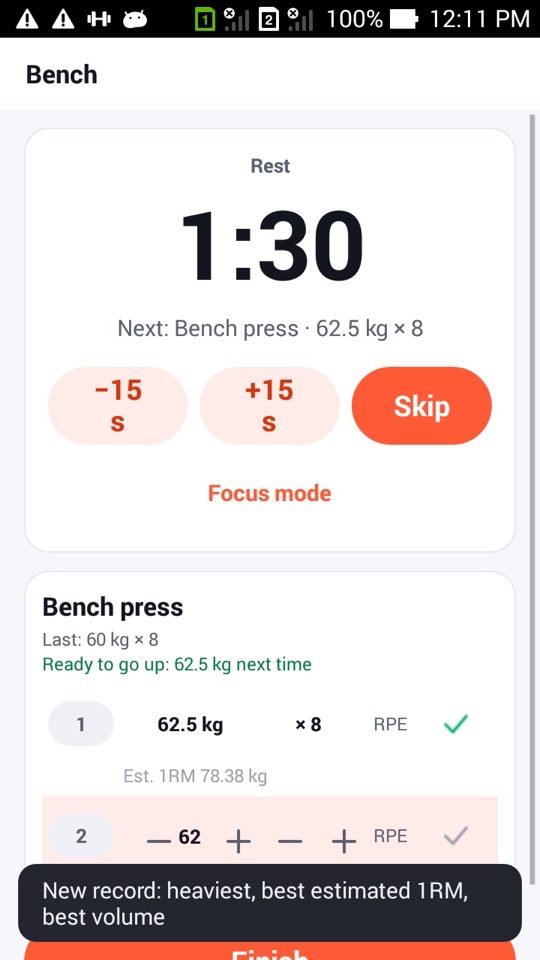
When a set beats one of your bests (heaviest weight, best estimated 1RM, most reps at a weight or best set volume), a message tells you right away. Warm-up sets never count.
The Strength hub has two calculators. The plate calculator works out what goes on each side of a 20, 15 or 10 kg bar (or a 45, 35 or 15 lb bar) using only the plates you own. The warm-up generator takes your first working weight and suggests a ramp: the empty bar for 10, then about 40%, 60% and 80% for fewer reps, rounded to loadable weights.
Strength stats chart weekly volume per muscle, estimated 1RM over time and how closely you kept to your planned rest.
On your TV, too
On Android TV, Strength has its own row. OK starts or finishes a set, the arrows change reps and weight, and the media keys control the timers. See Train on your TV with a remote.
FitHome is not a medical device or a coach. Lift within your ability, use safe equipment and a spotter where needed, and check with a doctor or physiotherapist before starting a new routine, especially with an injury.
How to run your first strength session
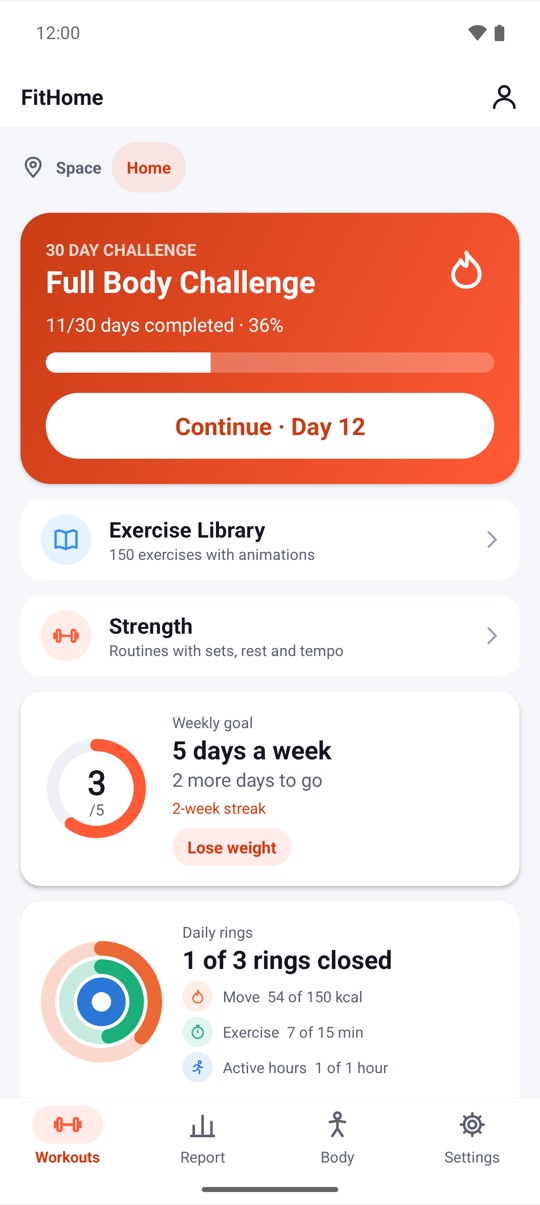
- Open the Workouts tab and tap Strength, just below the exercise library.
- Pick a template such as 5×5 strength or Dumbbells at home, or create your own routine.
- Use Warm-up sets in the tools to plan your ramp, and the plate calculator to load the bar.
- Tap Start set, lift, then tap Done set. The rest timer starts by itself.
- Use +15 s or Skip if you need more or less rest, and tap Focus mode if you want a bigger timer.
- Tick each set as you go, and tap Finish at the end to save the session.
FAQ
Do I need gym equipment to use Strength?
No. The Bodyweight template uses rep and timed sets with no weights. Dumbbells at home covers a basic dumbbell setup.
Can I use pounds instead of kilograms?
Yes. Choose kg or lb in Settings. The plate step and the bar options change to match.
How is the "Ready to go up" hint decided?
When all your working sets for an exercise hit their target reps at RPE 8 or lower, FitHome suggests adding one plate step next time. It's a simple rule, and you can always ignore it.